

The goal of this API is to run tasks from any external device or cloud solution in GP tom. We expect to be able to connect almost any solution to GP tom over the Internet. The way the cloud API works is that you can use the API to create end-device tasks with the GP tom app. For now, you can use transactional tasks, but other types of tasks will be available in the future.

The meaning of the shuttles
The meaning of task within this API is that you can create an unlimited number of tasks that will be processed by the GP tom solution (backend + frontend). The goal of the payment device (terminal or mobile phone) is to complete the task. However, the result of the draw is in no way related to the result of the payment. It only says that the task is in progress, completed or failed.
Why do we use tote bags?
In our solution, you can create many jobs in parallel for one terminal. We believe this method can be beneficial for some use cases where requests may be generated from more than one location. As a result, we are able to receive tasks and manage the queue on the endpoint by the user at any time (not valid in semi-integrated mode).
How to use the cloud API
There are two use cases for how you can work with the Cloud API on an endpoint device:
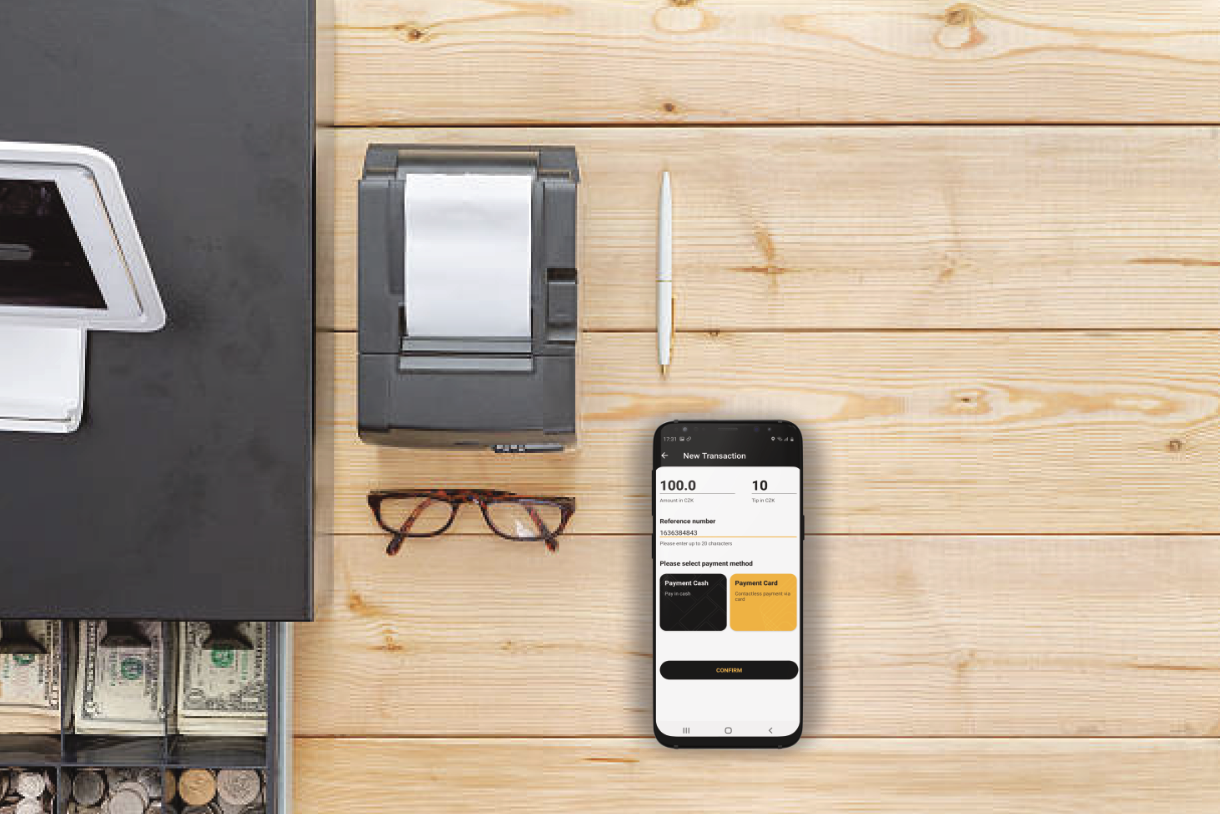
Assisted mode
This applies when the user operates the device and selects the job to be processed by the GP. Once a new task is sent to the device, a push notification will be displayed if the application is running in the background. When the user taps on it, the activity starts immediately. Anyway, the overview of the tasks available in the app can be used to manage them.
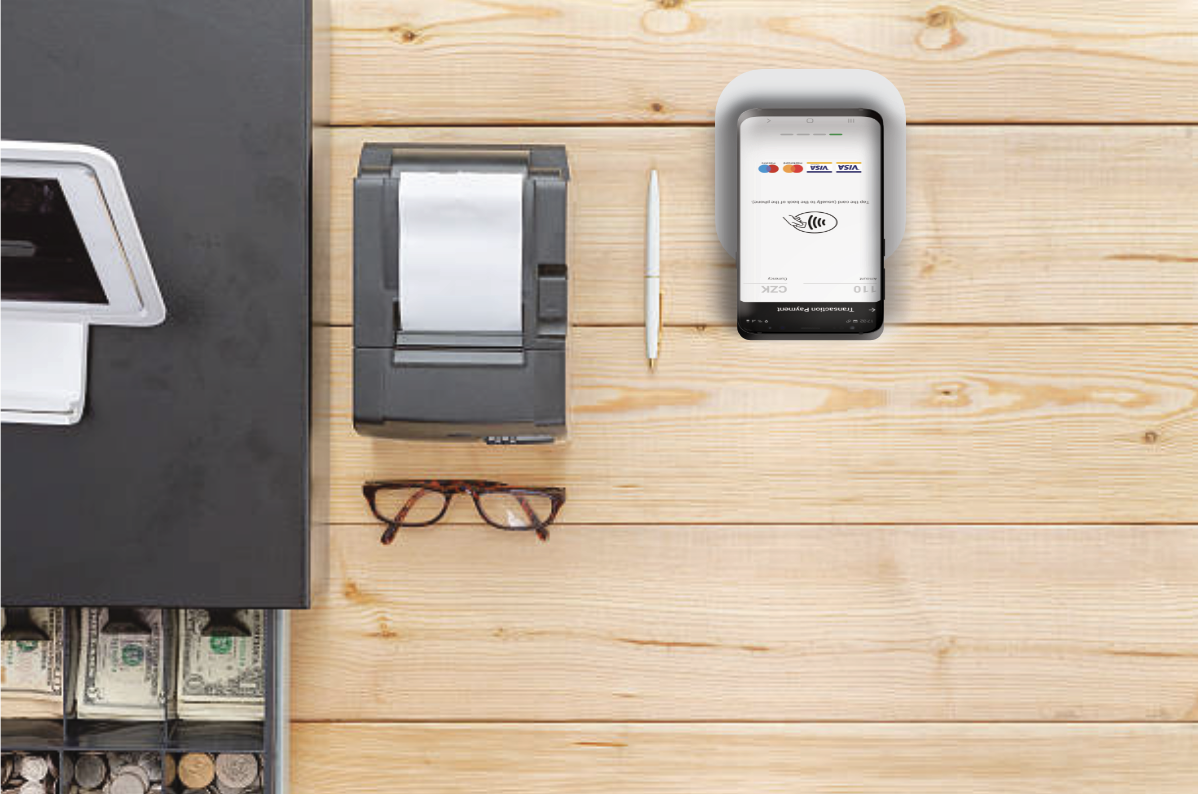
Automatic mode
Applicable when the device is placed opposite the retailer (as a classic POS terminal connected to the cash register). If the application is permanently in the field, the task is processed automatically - as soon as the device receives the task, it is automatically processed (unless there is no other activity going on - in which case the task is processed immediately afterwards).
In principle, however, it is up to you which case suits you better. The only difference is in the use of the application.
What bags do we support
We support the following tasks in our API. We believe they will be sufficient for your needs. We recommend implementing all three of these types.

Sales
A sale transaction is used when you want to immediately charge the cardholder's card for goods or services purchased.

Cancellation of transaction
This function is used to cancel an existing sales transaction. You can cancel any card transaction within 93 days of the original date.

Batch
The purpose of the batch is to consolidate transaction volume into a single package. Closing a batch checks that the terminal and the authorization host have the same transaction total. When you run a closure, the authorization host closes the existing batch and opens a new batch.
As we aim to provide you with as detailed a specification as possible, a basic summary can be found on this portal, for more details and to test some of the methods, please see the advanced specifications at the link below.
Transaction progress
In order to give you a better understanding of how the Task and Transaction flow is used, you will find the Task and Transaction lifecycle below:
Below is a guide on what the next step should be based on the status received: