


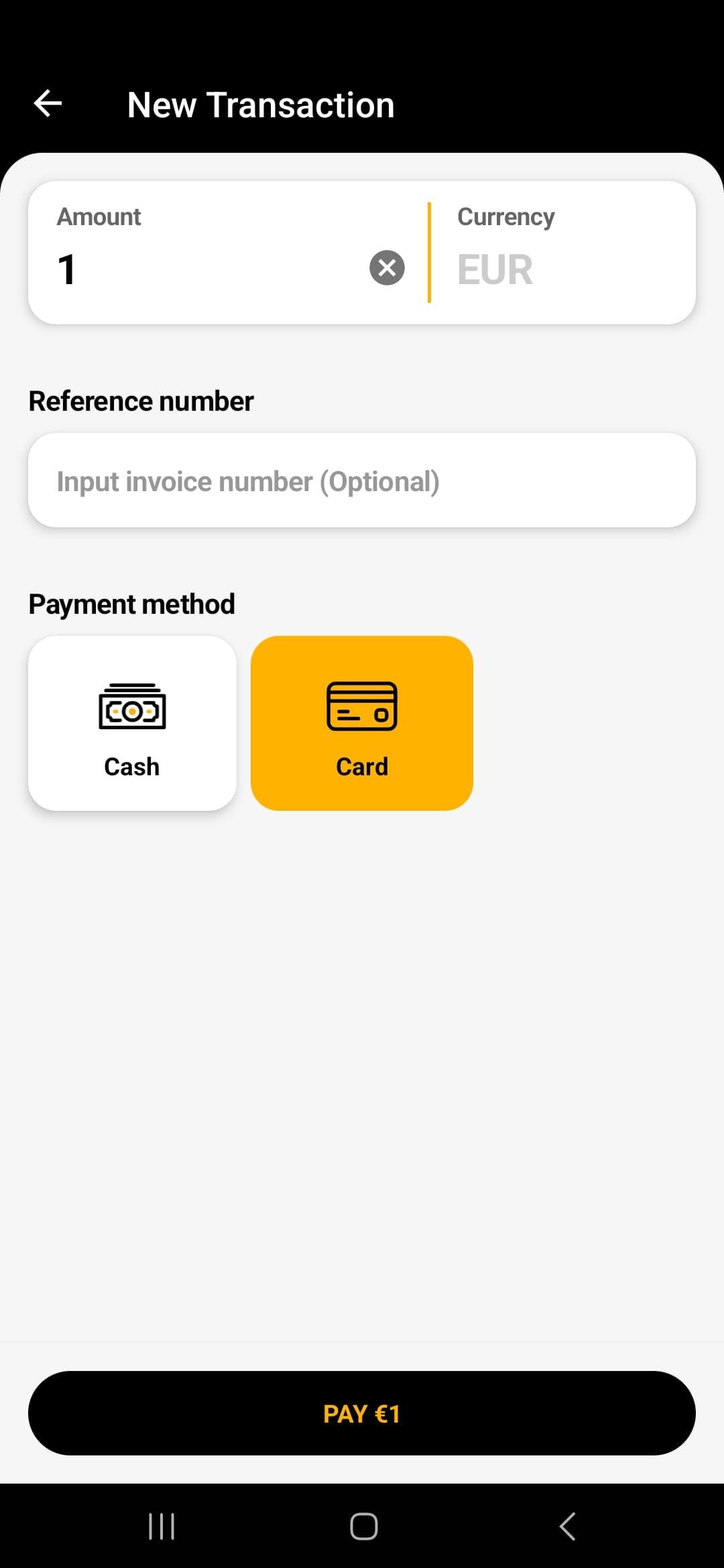
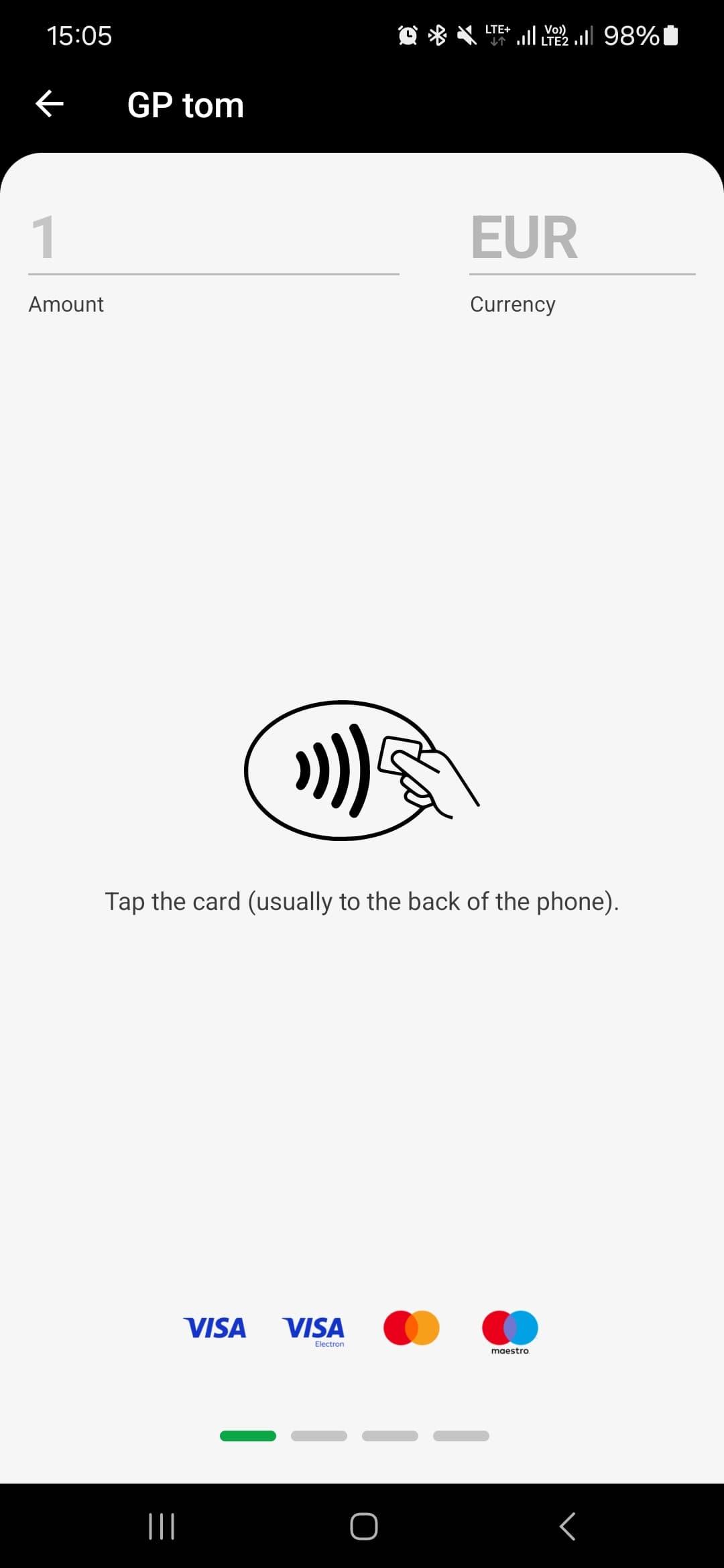
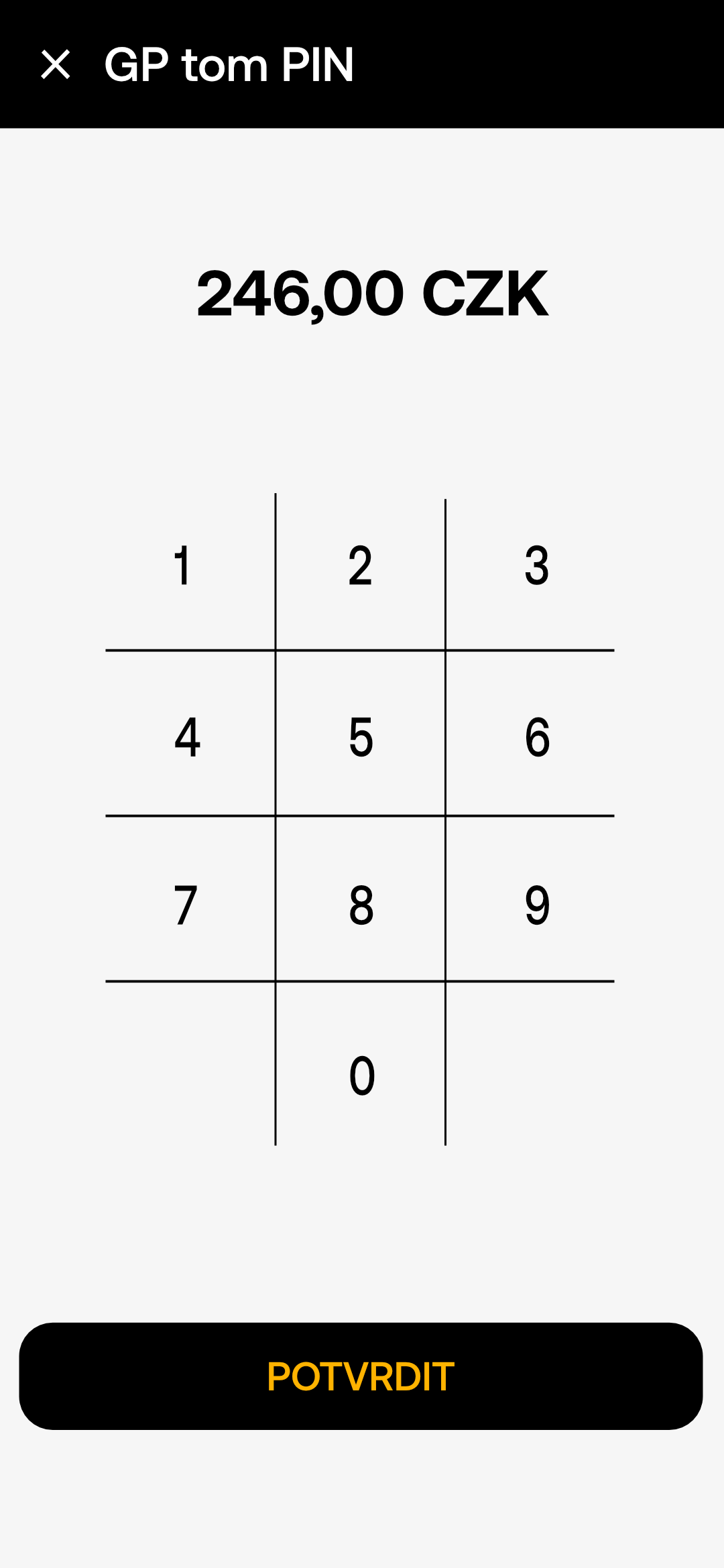
If required, the card PIN screen will appear - hand the device to the client or allow them to enter the code privately
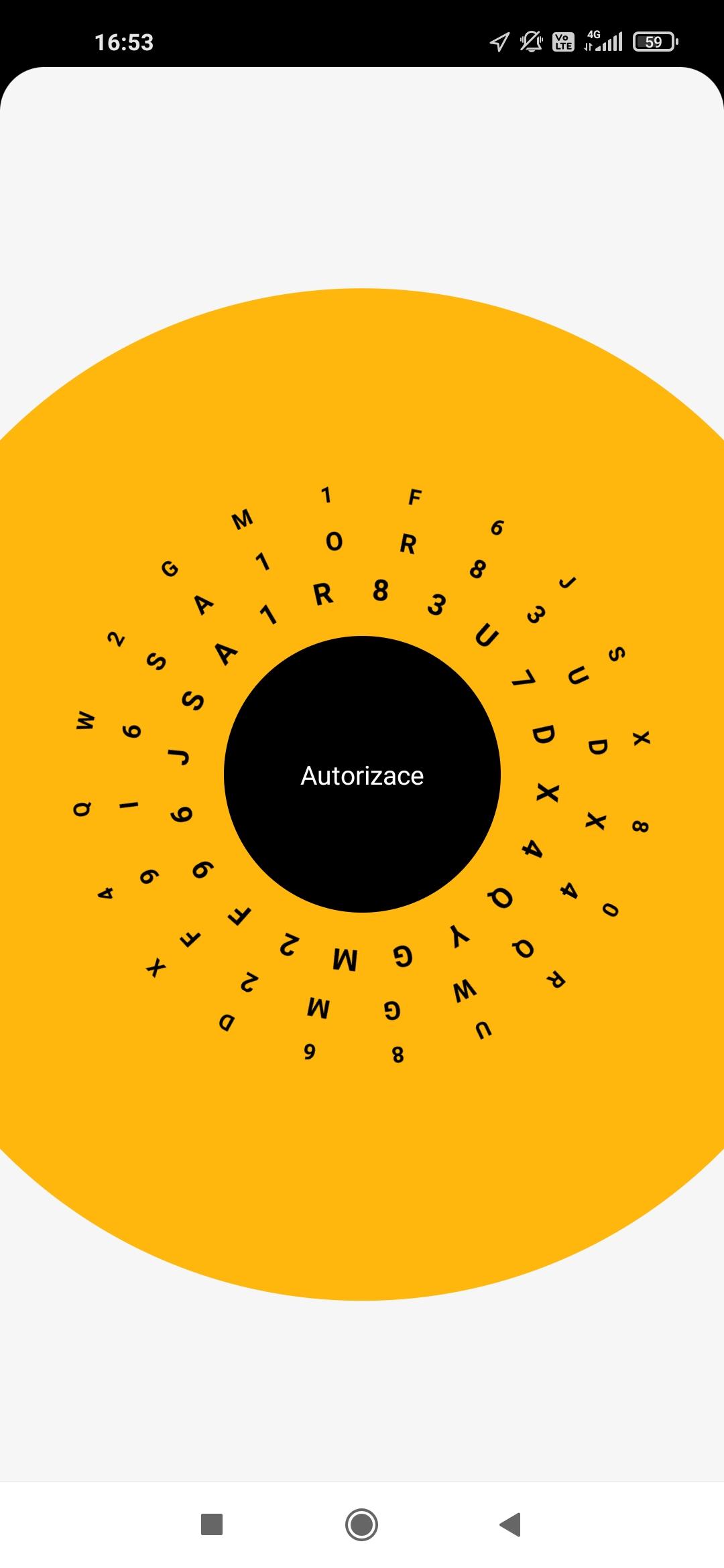
Once the card is successfully loaded, the application starts the transaction authorization.
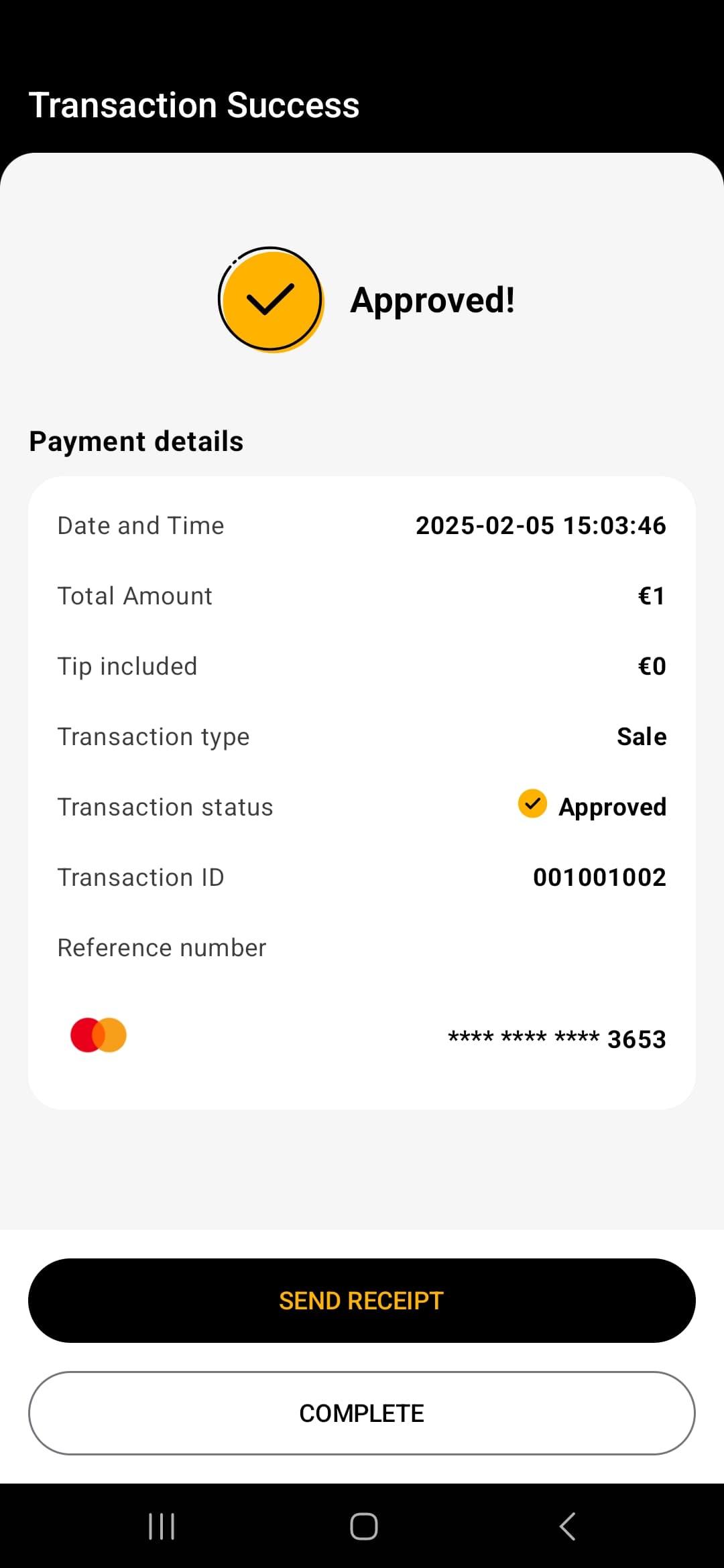
The result of the transaction will be displayed on the screen along with the payment details. If the client requests a receipt, tap on the “Generate Receipt” button.

The receipt can be sent via SMS (if the smart device has a SIM card), email or print. It can also be retrieved by the client's device via QR code.

The application confirms the successful sending of the receipt to the customer.
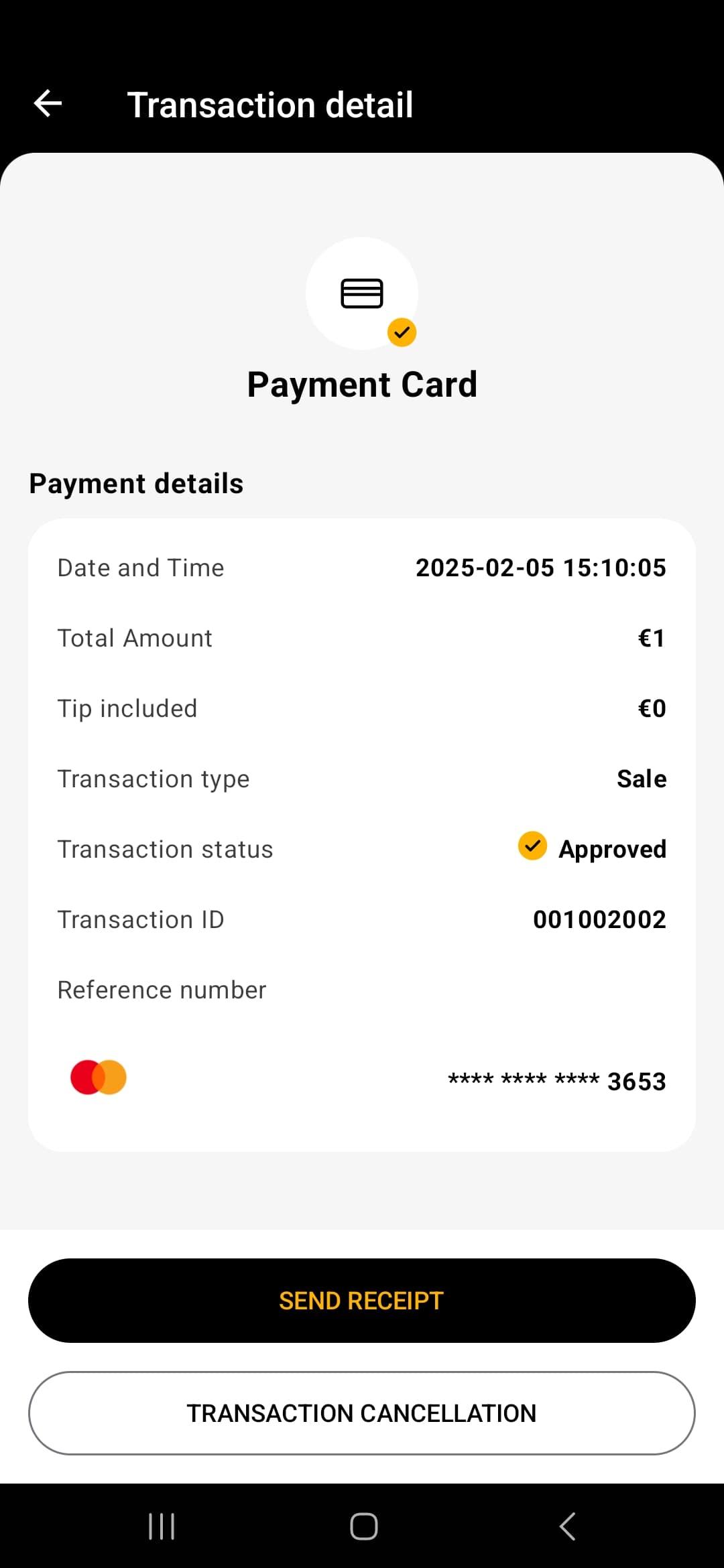
If you need to send an additional receipt, you can do so from the transaction details on the main screen of the app. Tap on the transaction and tap on “send receipt” at the very bottom”