

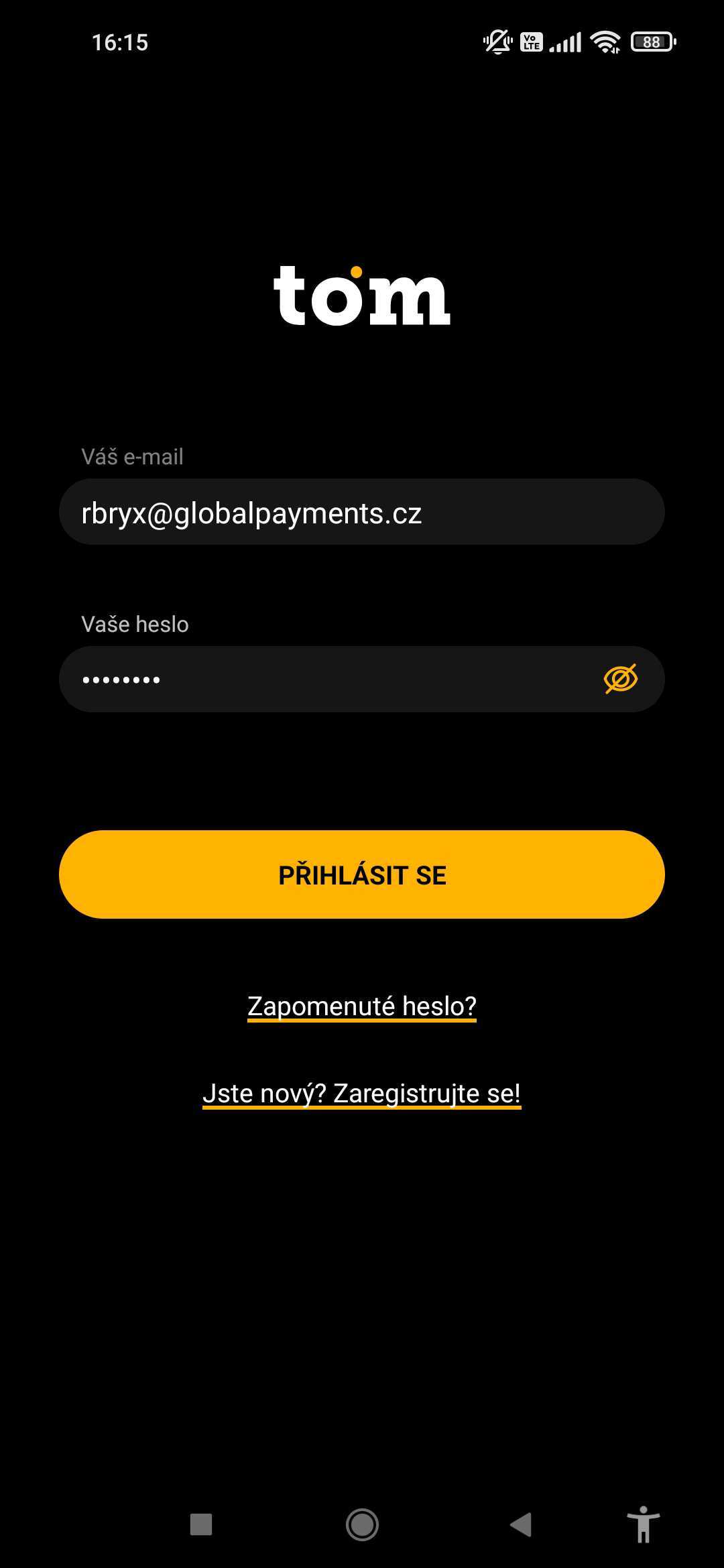
The first time you start the app, you will see the login screen:
In the username and password fields, enter the information you received from us in your email.
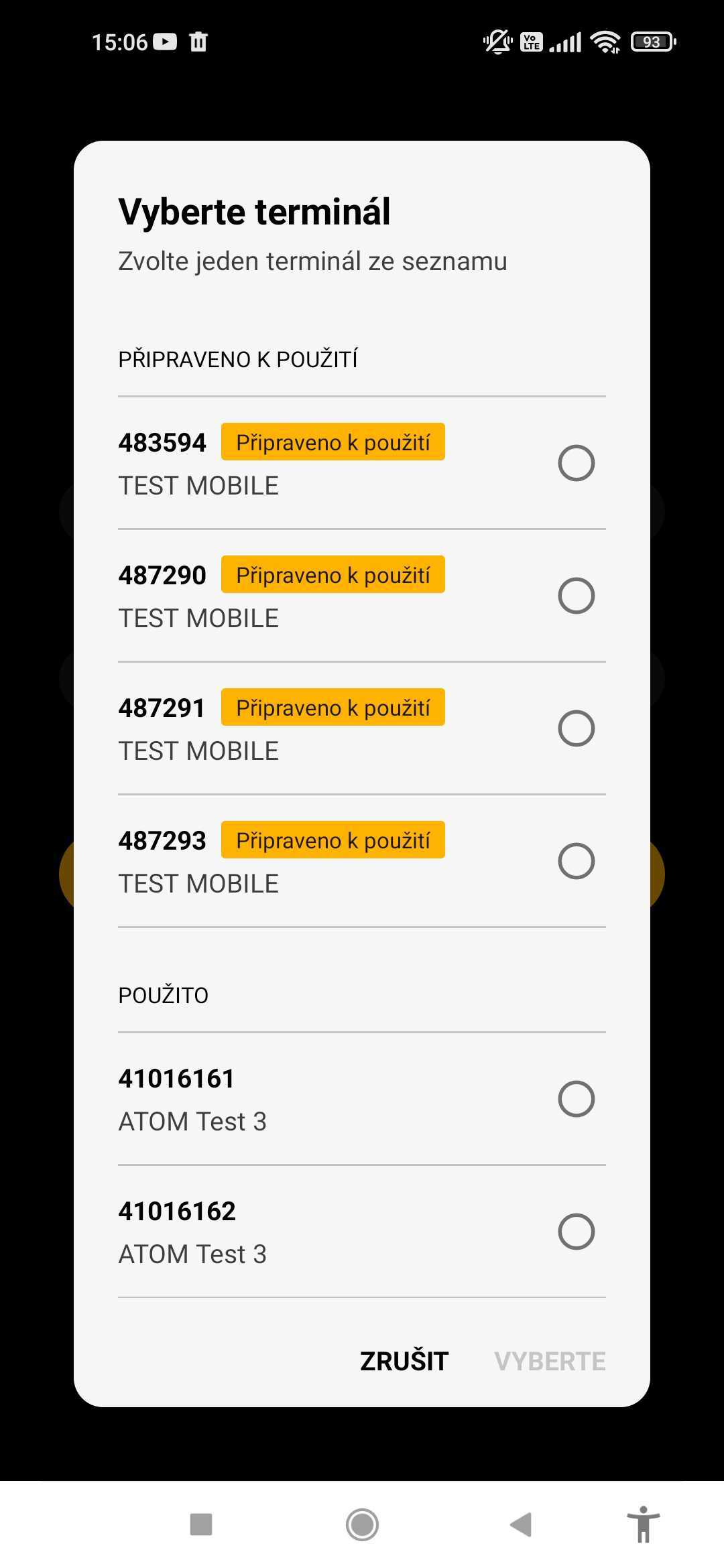
When you first start up, you need to select the TID you want to use on the device. Select from the list that appears and confirm.
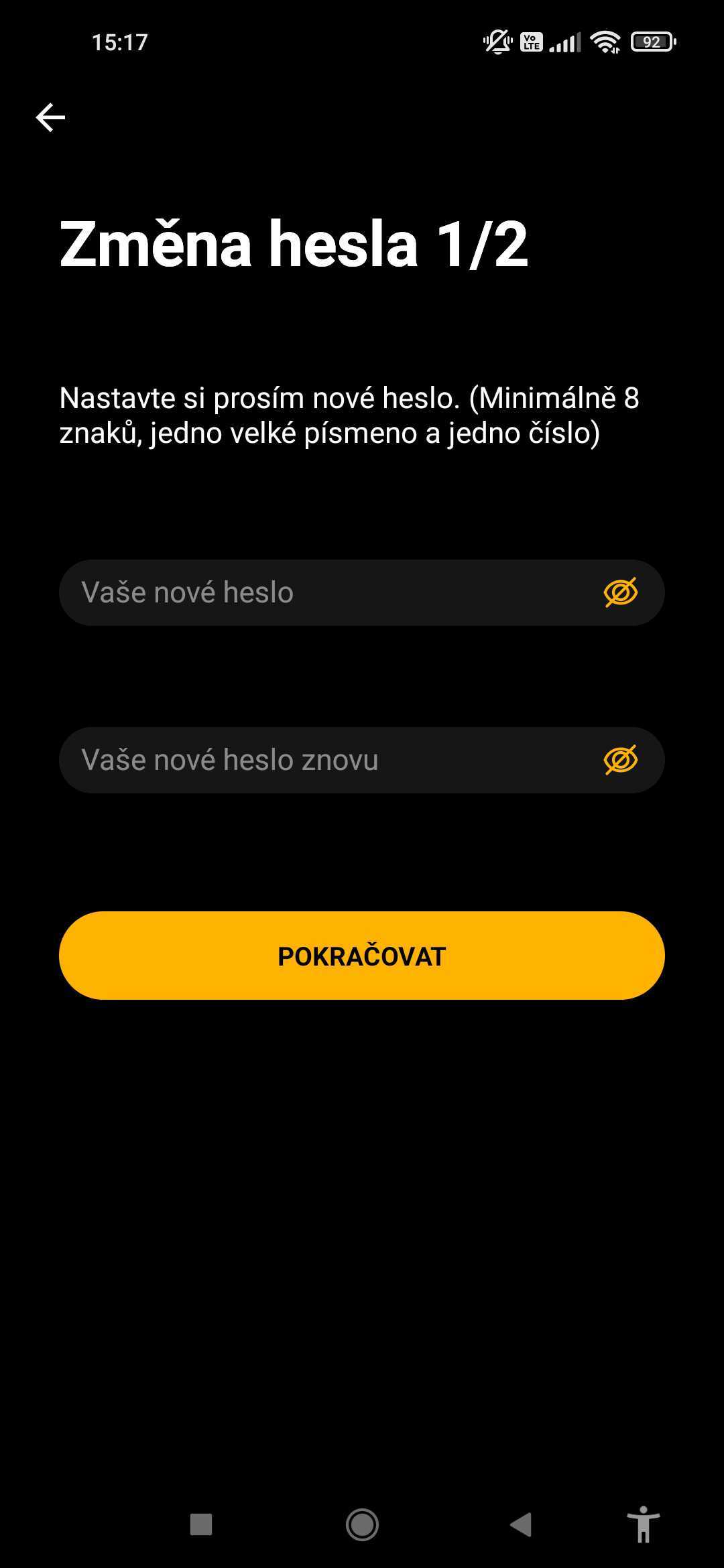
Then please set your own password to log in to the application.
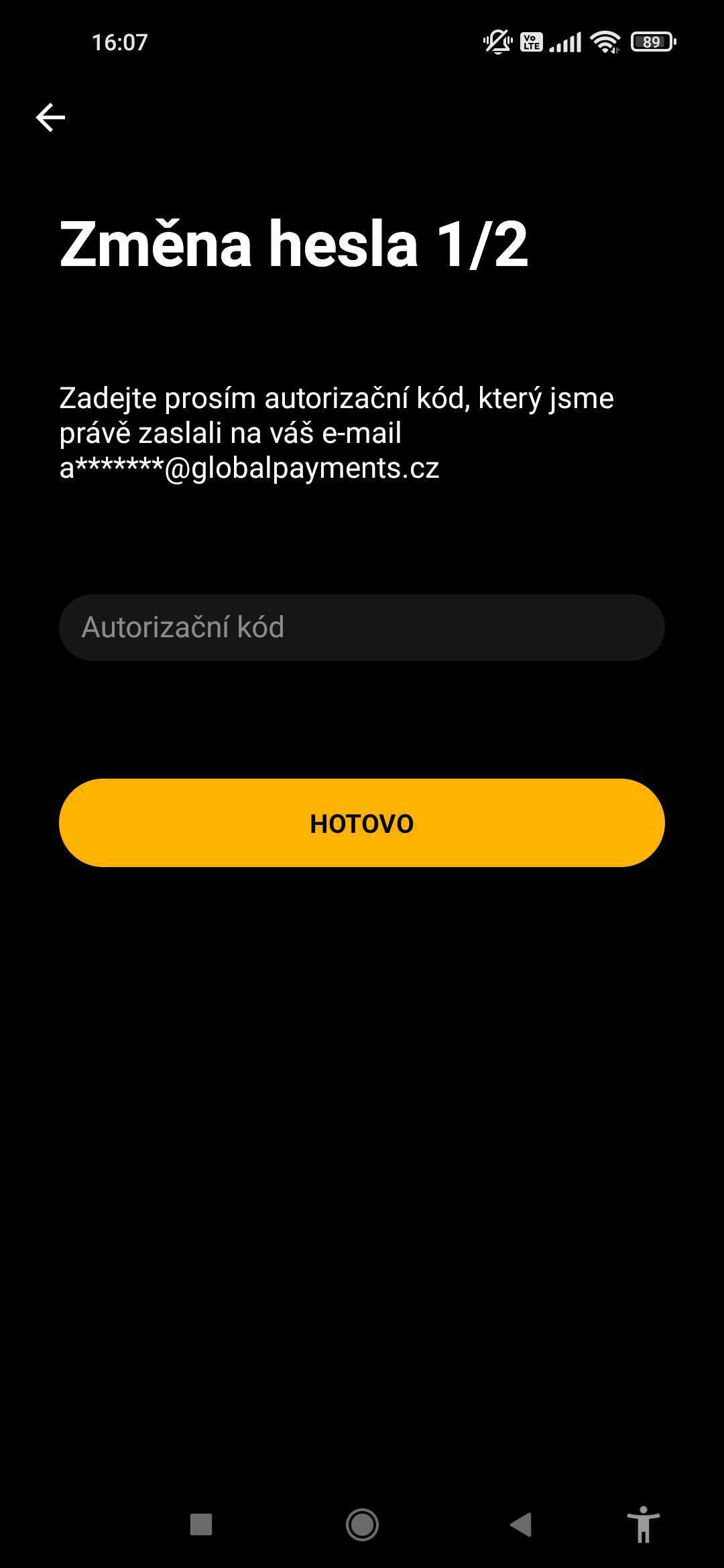
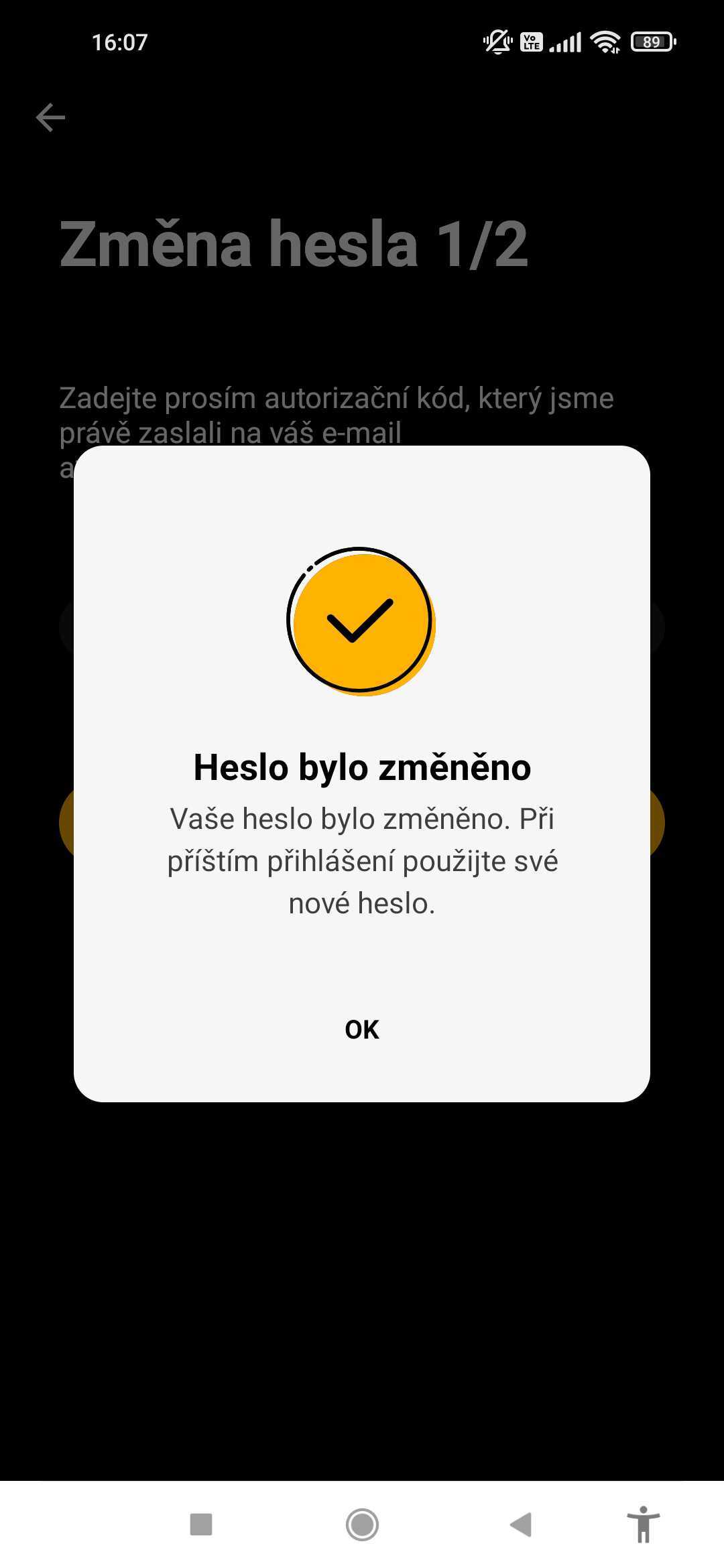
Once you confirm your own password, we will automatically email you an authorization code. Please enter it into the application.
Once the code is entered correctly, the following screen will appear and you will be automatically logged in.
Once you have successfully logged in, the main application screen will appear. Of course, you won't see any payments made when you first start.


Unable to log in?
- Make sure you enter your email and password correctly.
- Make sure you are connected to the internet.
- Make sure you have both apps installed, both GP tom and GP tom PIN.
- If you have forgotten your password, you can reset it according to of this procedure.