

Since version 1.66.1 we have launched a new feature - Wizard at your service! It starts when you first log into the application or can be launched at any time in the Account section as needed.
The wizard will guide you through the basic functions of the app, including the ability to test the location of the NFC chip on your device! Just launch NFC Location in the third step, attach a card (plastic, in your phone or watch) and move it gently until you see the card successfully loaded - this is where the NFC chip will be on your device.

Home screen after login. Swipe right or left to move between sections.

The second section starts the animation of the card being attached to the phone. The customer can pay you using a plastic or tokenized card.

To find the position of the NFC chip on your device, click on „FIND NFC CHIP“.

Here, hold the card to your phone (usually from the back) and move it slowly until you see a successful load.
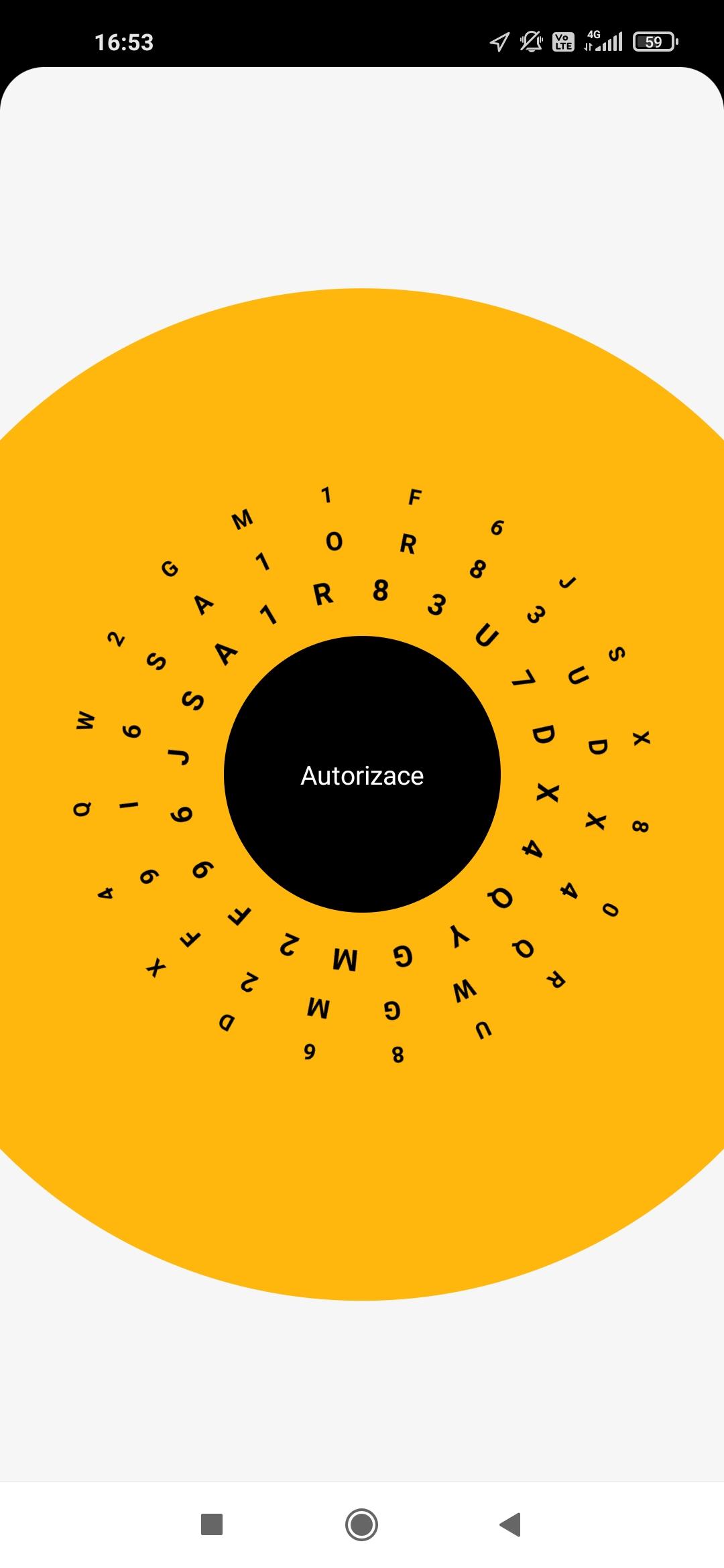
Once the card is successfully loaded, you will see a confirmation on the screen. You can try the process as many times as needed to be sure of where to attach the card. This operation is not tied to a transaction and there will be no charge.

Don't forget the Account section, where you can easily customize the terminal to suit your needs.

You can restart the wizard at any time in the Account section.